

Claude starts working. I read the first two lines of what it plans to do.
And then I open a new tab (automatically, almost unconsciously), and I’m already looking at a stranger’s kitchen renovation on Instagram.
The agent will not ask me for some unknown minutes. The machine is the bottleneck, and it has no plan for the minutes it hands back to me.
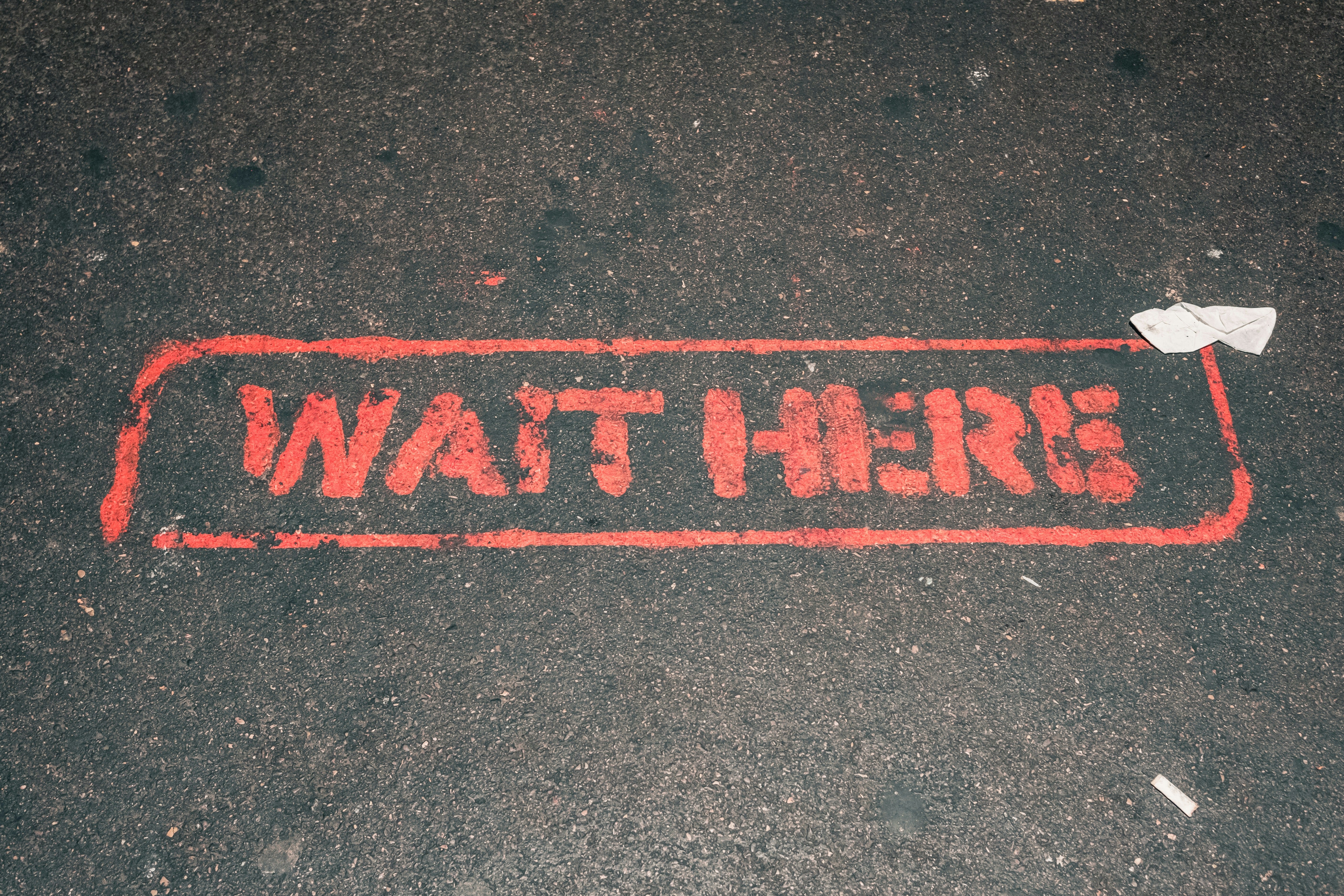
The new “wait”
I have waited for computers my whole career. Builds, test runs, deploys, migrations. But those waits had a shape. A progress bar, a rough number, it told you how much’s left.
Agent waits do not have that predictability. A small refactor comes back in 30 seconds. A multi-file change takes four minutes. But you can never know.
And then there’s the other kind. Working towards a goal. I hand over a prepared PRD, the agent runs on its own, and I do not hear from it for 20 or 30 minutes.
The waits come in different sizes, but one thing’s common: there is no progress bar or countdown.
And there is nothing else to do with that time. The next task depends on output that does not exist yet. There is no diff to review, because nothing has been written.
Research on this is older than any of these tools. David Maister wrote The Psychology of Waiting Lines in 1985, about restaurants and airports, and one of his eight rules is that uncertain waits feel longer than known, finite waits. When you cannot see the end, anxiety fills the gap, and anxiety is what makes you just quickly check something.
Forty years later, this is still being tested. A CHI 2026 paper put 425 people through a task with a forced wait in the middle. The group that got no timer felt the wait as significantly longer than the group that got a countdown. In the free-text answers, the no-timer group was the one writing things like I thought there might have been an issue at first.
(The authors are careful here, and I will be too. Their waits were 10, 30, and 60 seconds, and everyone knew the wait would end. They say straight out that the results should not be stretched to unpredictable delays, which is exactly what we have. So take it as a hint, not a proof.)
That was still a relief to read:
My doomscrolling habit is not a character flaw.
It’s my progress bar replacement.
So the question should fill that gap instead.
What everyone tells you to do
I’m a sucker for optimization, so naturally I went looking for what other people do with this time.
There are two main groups.
The first one is: run more agents. Git worktrees, parallel sessions, five branches at once. One post claims that if you run one agent at a time, you are using about 20% of what is available to you.
This got popular fast, and worktree support is now built into the tools instead of something you script yourself.
The second one is quieter. Stay next to the work. Johannes Millan’s guide says to re-read your prompt, scan the code around the file, and draft your next instruction. He argues against context switching, even into other work tasks.
“Reviewing someone else’s PR” sounds productive but loads entirely different codebase context. Save code review for dedicated blocks, not AI waits.”
Based on my experience, running multiple parallel workstreams comes with huge productivity gains.
Running four agents at once does move four things forward instead of one. But you still wait. You are now waiting for one of four to finish, or for one to ask you for the next clarification and prompt.
The only test I use now
I thought the rule was about screens. Get off the laptop (and don’t pick up my phone instead), do something physical.
But that turned out to be wrong, because some of the best things I do during these waits are on a screen.
That is why the test is the two questions and not the device.
The one-second test: can I put it down in one second?
The fuller-or-emptier test: does it leave me fuller or emptier?
Instagram fails both. I cannot put it down (it is built so I cannot), and I come back more tired.
Slack fails the one-second test. You cannot put it down in one second. A message pulls you into a thread, the thread needs context, and by the time you are useful there, your own review has gone cold.
Reading the news will make me anxious, and let’s not even mention X.
What is actually on my list
Saved articles, read out loud. I keep a backlog in Readwise Reader that used to grow. Now it is what I open first. I read on the screen and even let it read the articles out loud. It is slower, which is the point, and it uses a completely different part of my brain than reviewing a diff. It keeps my focus on one thing at a time.

The boring task beats rest. Baird and colleagues ran a creativity experiment in 2012 where people took a break in the middle of a problem. Some did a demanding task, some did an easy one, some rested, some got no break. The easy, boring task beat all of them, including rest. Simple work that lets your mind wander is better for the problem you left behind than sitting still is.
So the drying rack is not a chore I squeezed into a work block. It is the task that does something rest cannot. Simple work lets your mind wander, and the wandering goes back to the problem you left.
Which is a strange thing to learn about a drying rack.
Nintendo Switch. Sean McRae made a video about swapping doomscrolling for a few minutes on his Switch. I have not done this yet, but I can see it working, especially with Nintendo games, which are charming and slow (wandering in Hyrule, collecting fossils in Animal Crossing).
The guitar. It sits on a stand behind me. Three minutes of the chords I keep failing at is three minutes I would not otherwise spend on them. Over time, it stops being three minutes and becomes actual practice.
You might not be playing guitar, or any instrument, but I’m sure you can find something in your life that could benefit from small bursts of practice time. Maybe a new language?
Posture. I have been sitting like a shrimp all my life. Curled forward, shoulders up near my ears, neck at an angle no physio would sign off on.
Every stretch anyone has ever recommended to me takes about 90 seconds. That is the entire reason I have never done one. Not the difficulty. The 90 seconds.
And now I have 90 seconds, over and over, handed to me by a machine. Chest opener in the door frame. Chin tucks. Standing up straight for as long as it takes the agent to finish reading a file.
Years of damage, and it turns out the repair schedule was waiting for me to start using AI. 🙄
Look into the distance. While you’re up, look at something far. Your eyes need this.
Watch a video. Not any video; then we’d be back to Instagram territory. But these moments are perfect to train yourself. I have Udemy courses, and I follow YouTube creators who talk about new AI workflows, models, or other topics that are useful for my life.
Two things that make all of this easier
Turn on sound notifications.
This is the small one, but with a big impact on your mental peace. If you have to keep glancing at the terminal to see whether the agent is done, you never really leave. You are not folding laundry. You are folding laundry while checking Claude “Flibbertigibbeting”.
Most agent tools have built-in notification sounds for when the agent finishes. So you don’t have to keep checking them periodically.
Then make the gaps bigger.
Small holes are great in Swiss cheese, but not so much in your productive workday. Even if you fill every one of them well, you have still been interrupted numerous times.
But what if you’d make those gaps bigger and less frequent?
I suggest you do exactly that.
I use Matt Pocock’s workflow, which splits work into two kinds of tasks: human in the loop (HITL), and away from keyboard (AFK). He is blunt about which is which: planning and alignment have to be human, and implementation can be turned into an AFK task.
So you spend the first block of your work getting aligned, writing it down, and cutting it into small issues. Each issue gets labeled. Then the agent takes the AFK ones and goes on its own. Subagents go wroom wroom, and there’s no pinging every couple of minutes.
It works, and I like it not only for the code quality (though that is better too). It is what it does to the shape of the day.
All the decisions land in one block at the start. Then the agent runs for 20 or 30 minutes, and I don’t need to babysit.
And there are so many more opportunities to do in these extended periods: go on a walk, update your Linear tickets, clean up your Slack messages. That’s time for a proper guitar rehearsal or a walk long enough to think.
You end up with the same total waiting, but the allocation is optimized for you.
Can I get rid of small gaps?
I wish.
But there are just so many tasks a day that require back-and-forth. And as long as AI can’t reply immediately, like a conversation, those gaps will stay.
Matthew Dicks wrote a whole book about this called Someday Is Today. He argues that the random minutes scattered through your day are real time, and that people who get a lot done are simply people who use them. He wrote novels in car parks while waiting to pick up his kids.
And although I don’t treat every unused minute as a waste, I like parts of his idea: waiting times are there anyway, and it’s up to you how to use them. Small gains add up, and you can achieve more if you make use of them.
The difference between his version and mine is one word. He wants those pockets to be productive. I want them to leave me better than they found me.
Your flinch is out of date.
Pick up a guitar in the middle of a coding session, and something in you flinches. It looks like the thing that’ll slow you down and pull you away.
But that flinch runs on an old model of the day.
One where the machine was slow and I was the fast part.
That is reversed now. The agent is faster than me, and the work still ships. Probably more work than was ever possible before.
A meta-analysis of micro-break studies found they raise vigor and lower fatigue, with the clearest effects on exactly the kind of work you are about to go back to. It also found that the longer the break, the bigger the effect.
So stepping away while your AI is working is not time you lose.
It’s time your agent handed to you and has no plan for.